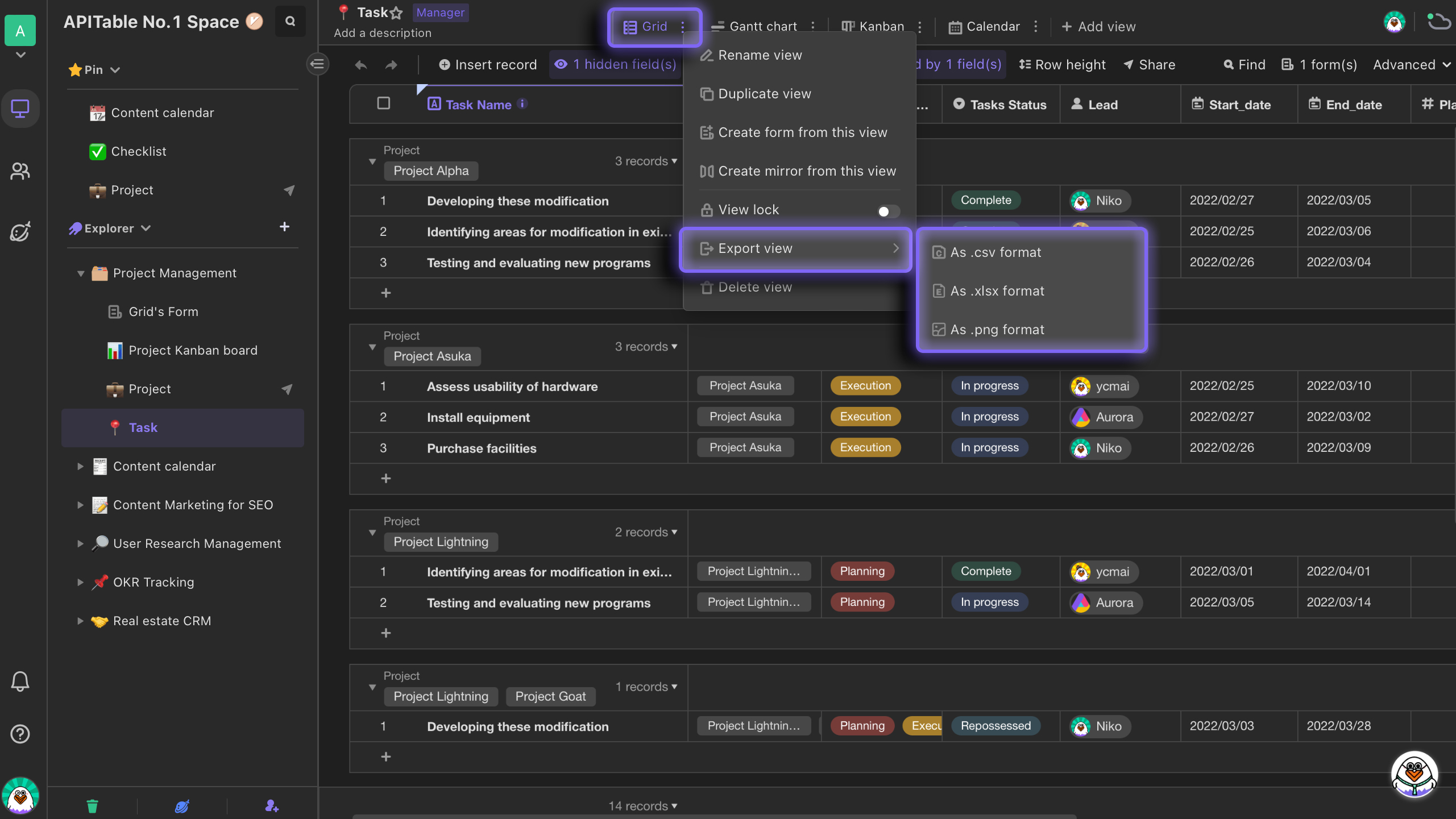
Grid View
Introduction
Grid view, consisting of an infinite number of columns and rows, is a view presenting data with spreadsheet similarity.
Creating a grid view
Grid view is the default view in AITable. Using grid view, you can quickly create columns and rows to store data,and perform filtering, grouping, hiding and so on to view your data from different angles.
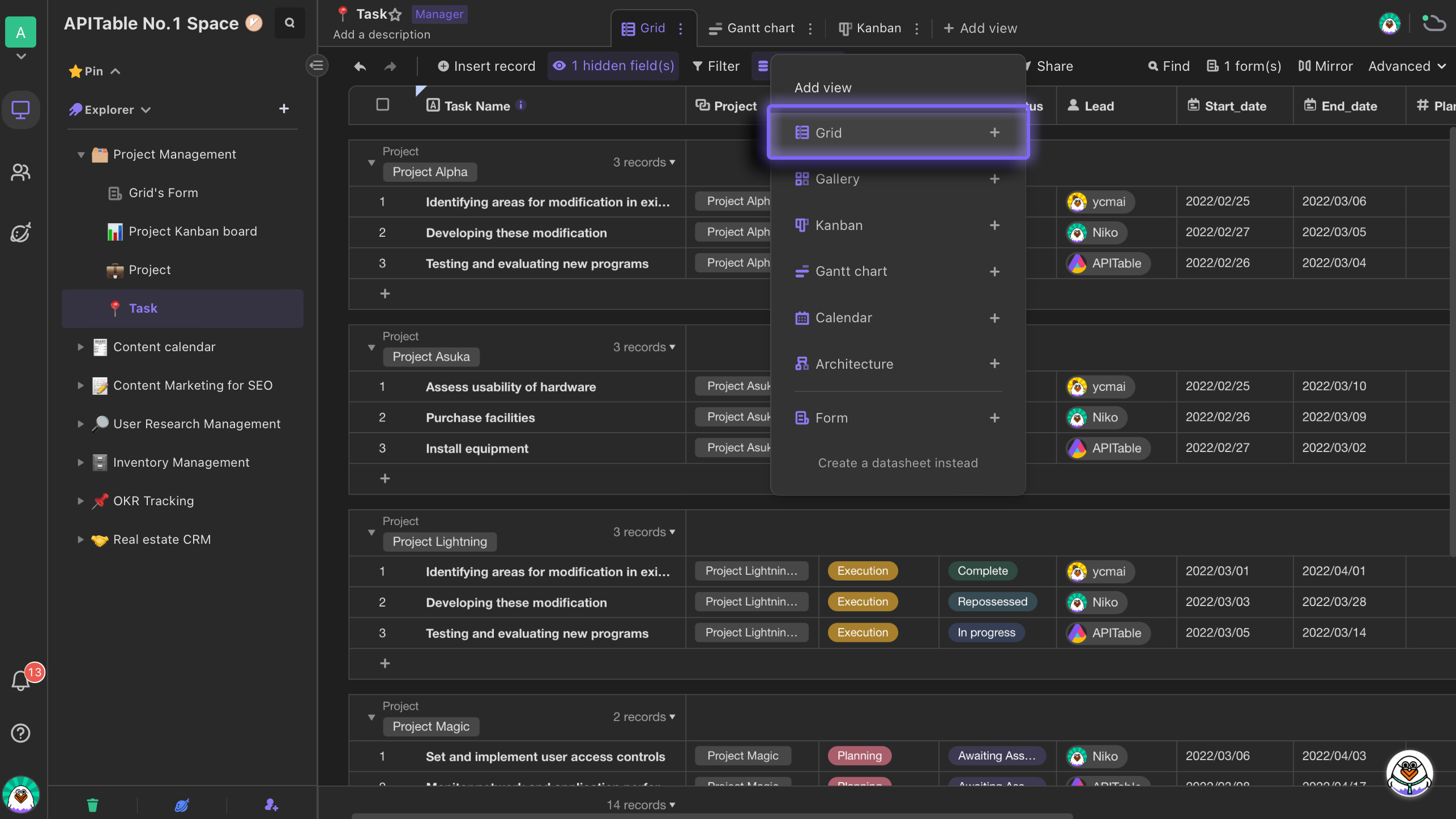
View configuration options
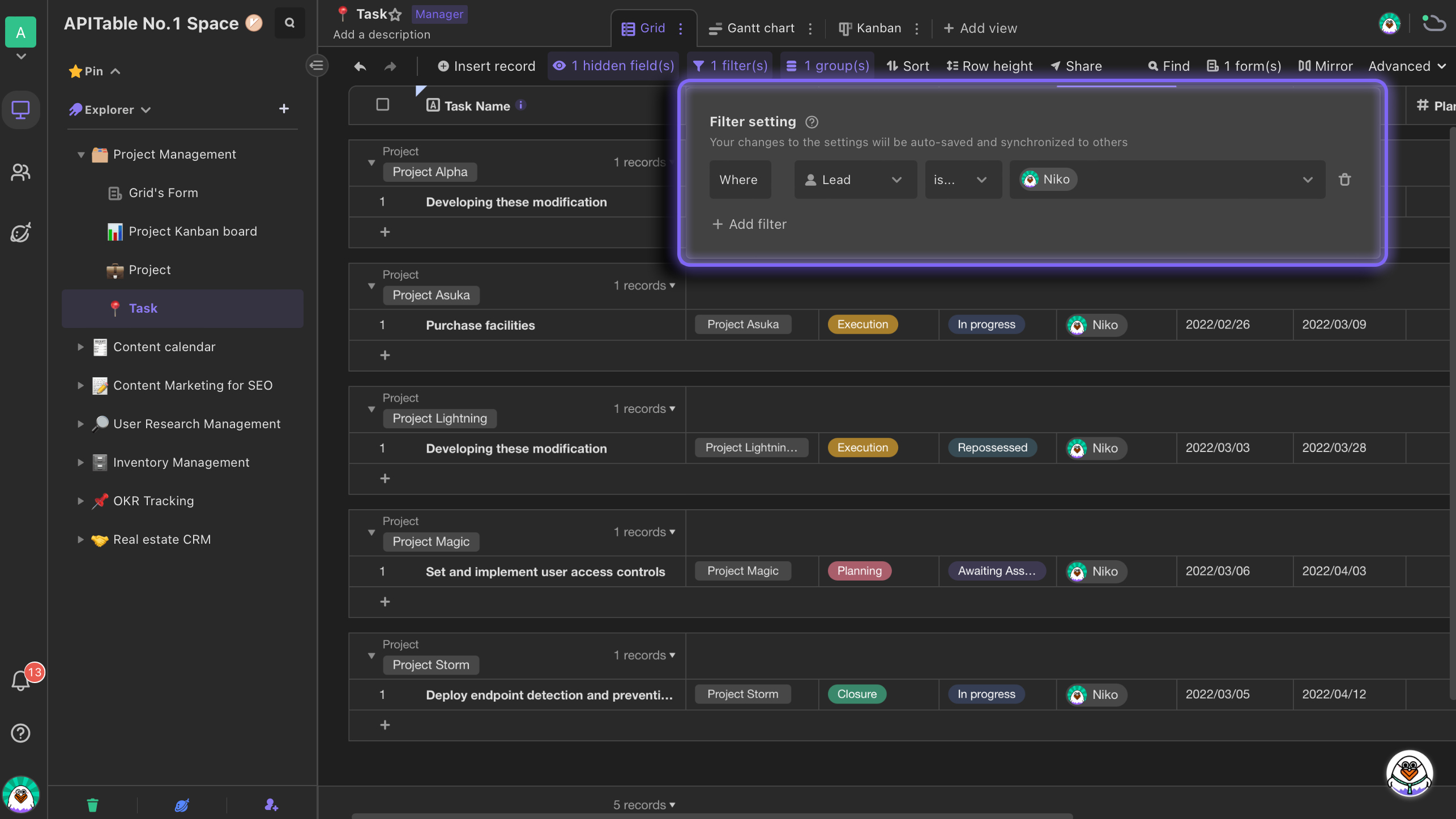
Filtering
You can filter out irrelevant data by setting filtering conditions so that you can focus on the most important and concerned data.
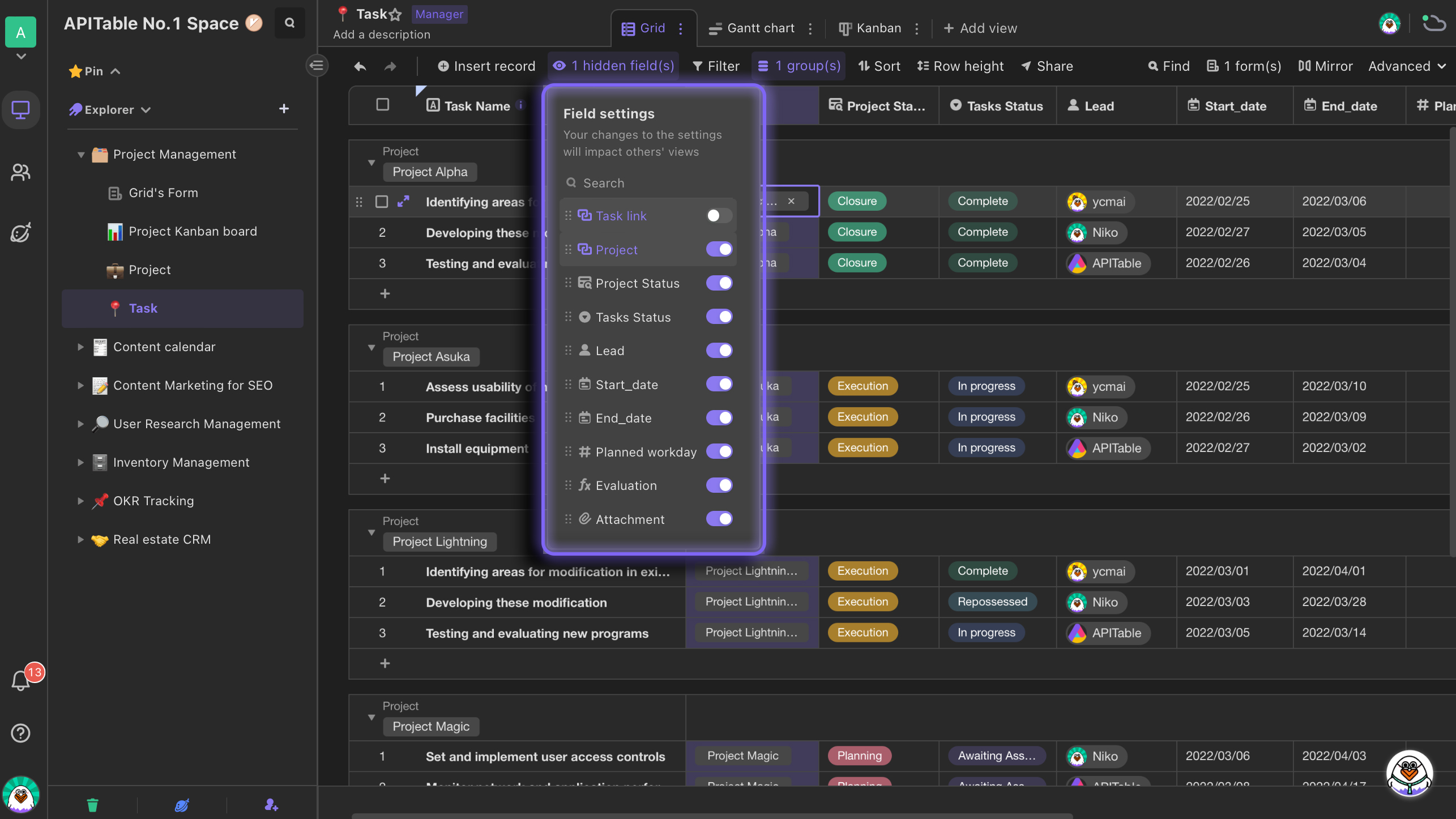
Hidding
When there are too many fields in the view, to improve datasheet's readability and organize data more efficiently, you can click "Hide fields".
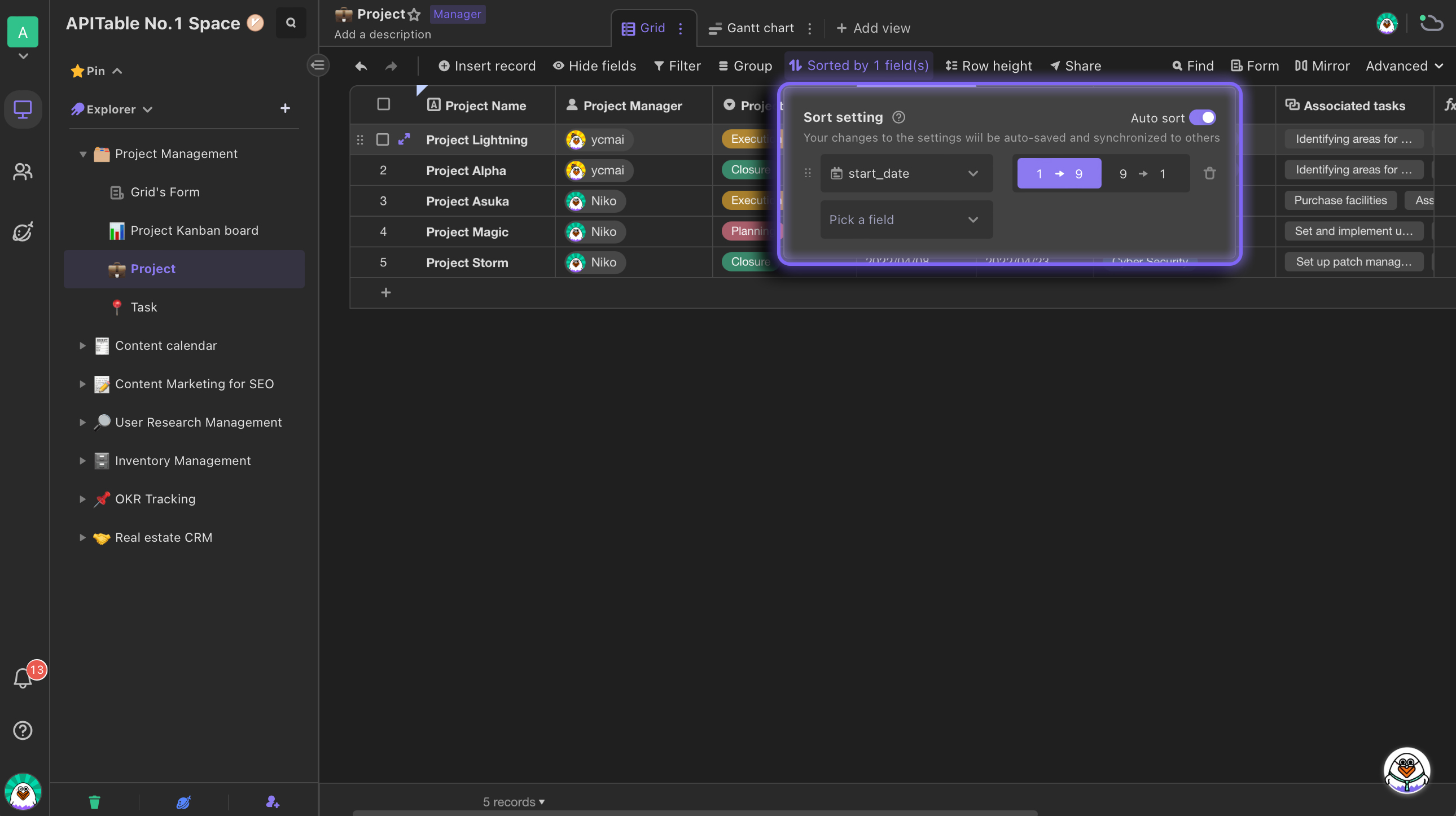
Sorting
By setting sorting conditions, you can sort your records appearing in a particular order. Sorting effect just applies to the view you are currently viewing.Members can create personal views with using sorting to improve data management efficiency.
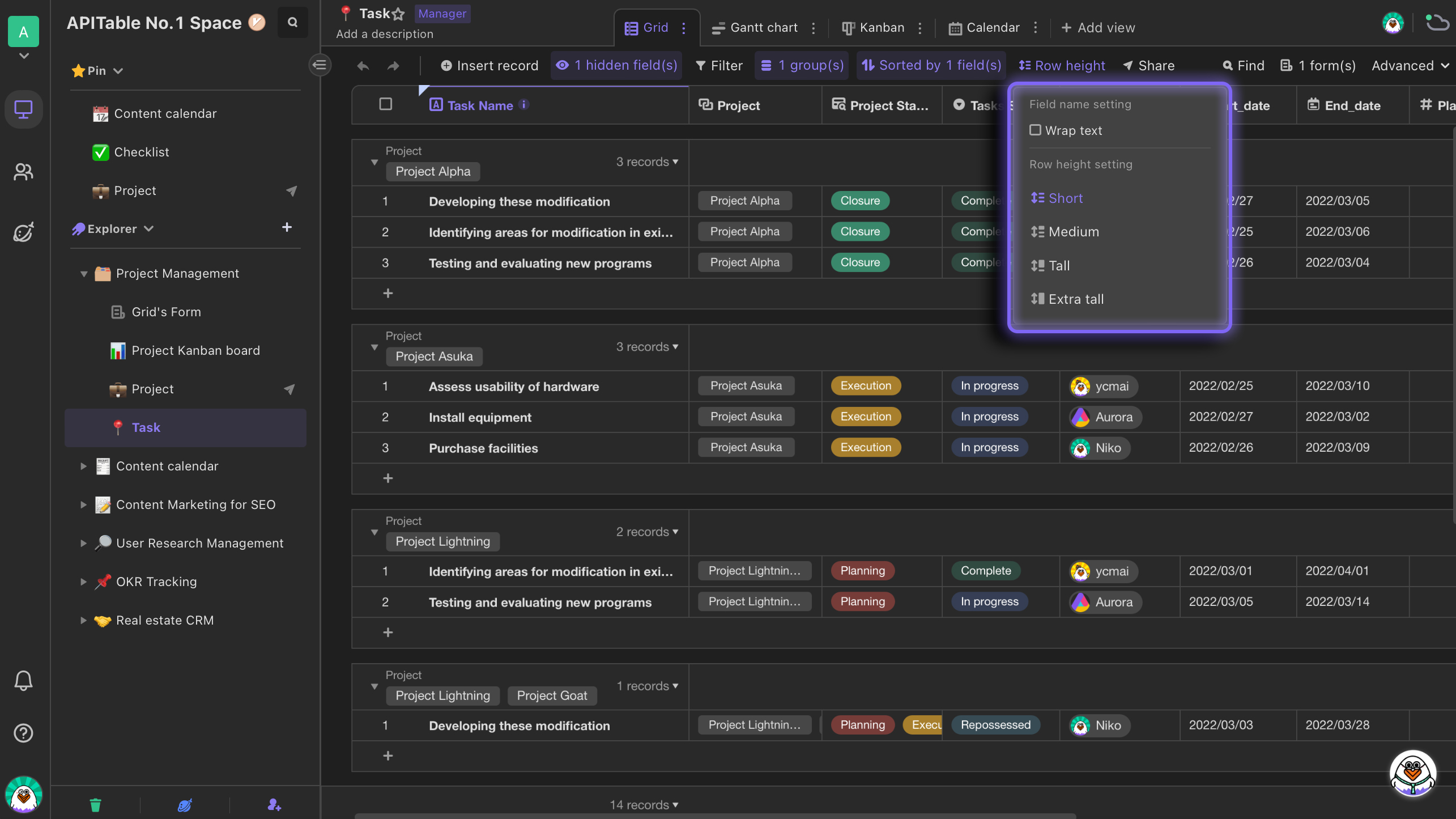
Row height
In the grid view, if you would like to display more context in the cell, you can adjust the row height. The adjustment of row height in one view doesn't affect that of other views.
Exporting grid view as an image